

📸
Snap the list
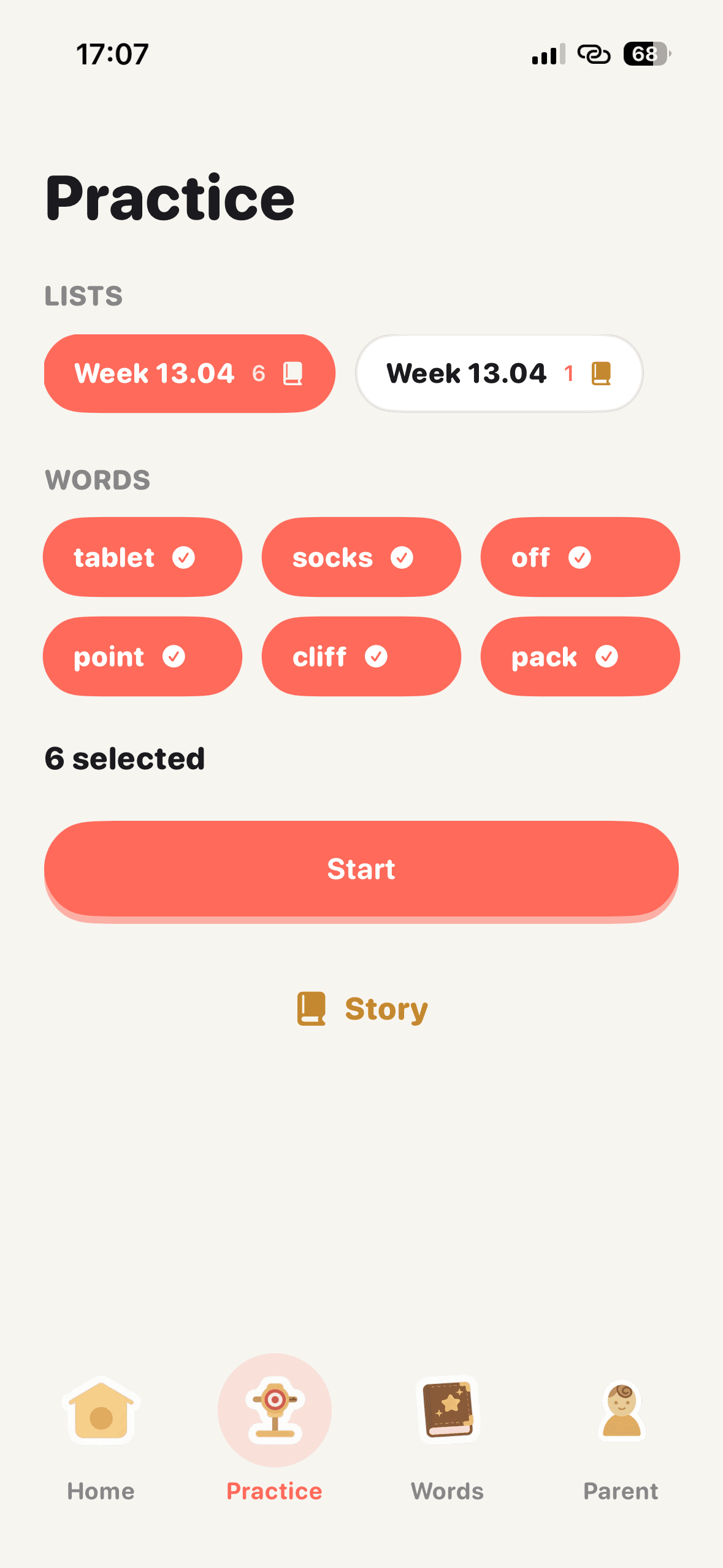
Photograph the paper list. Easyspell pulls the words in seconds — no typing, no squinting.
Easyspell turns the weekly spelling list into a cozy 5-minute game. Snap the list your teacher sent home — your kid plays through dictation levels, you get a calm Friday report.
What your kid gets
Designed with the same care you'd want in a real one-on-one tutor — warmth, rhythm, and zero red pens.
Photograph the paper list. Easyspell pulls the words in seconds — no typing, no squinting.
A friendly voice reads each word and sentence. Kids type it back and get instant, kind feedback.
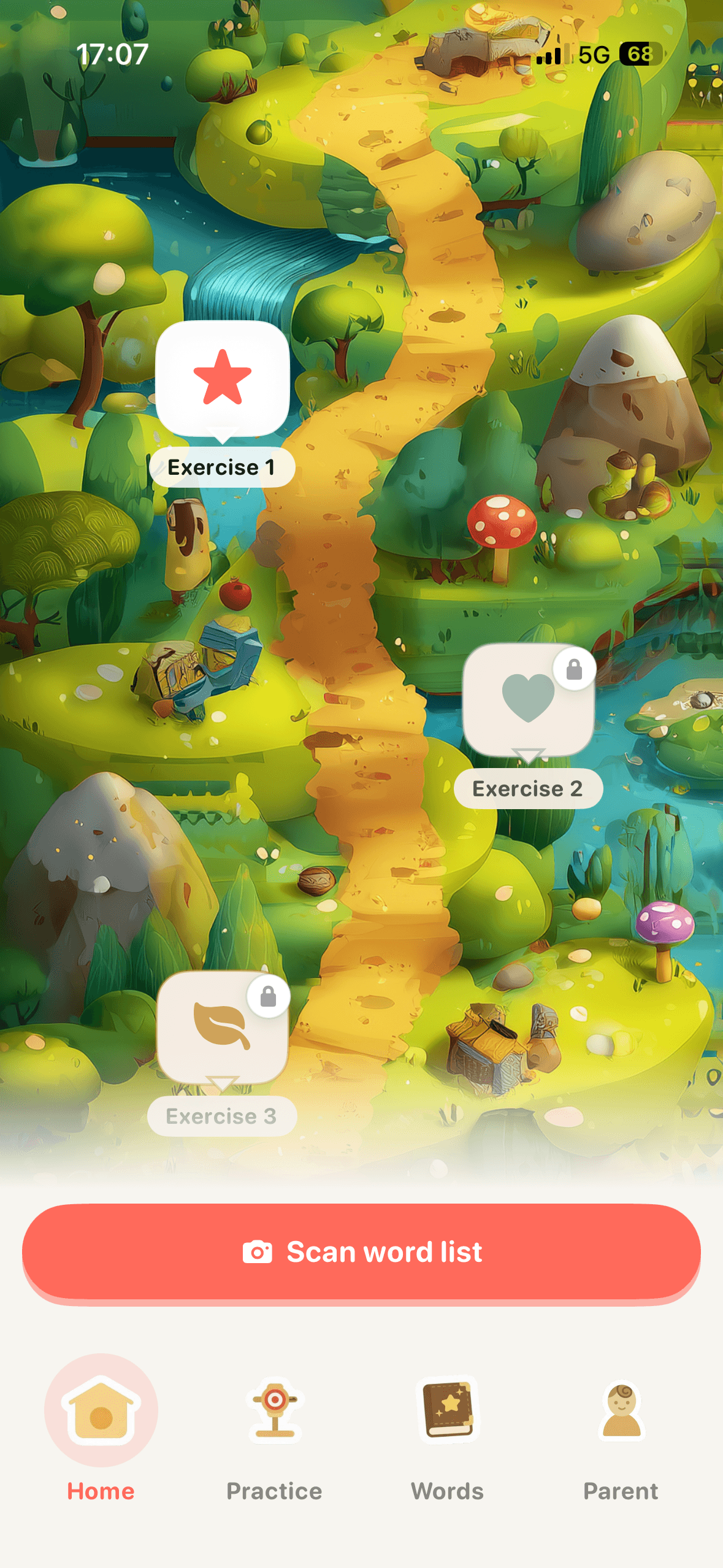
A forest map of exercises turns repetition into a game. Five minutes, then done.
Every word has a state — new, practicing, mastered. Tricky words come back until they stick.
Grown-ups see score, accuracy, attempts and skill breakdown in one calm screen.
No ads, no in-app social, no account required to start. Parent gate on any link that leaves the app.

Meet your kid's spelling buddy.
Cheerful, patient, and always ready to replay the word one more time.
A real session
Every word your kid learns flows through these screens. No clutter, no quizzes that feel like tests — just rhythm.
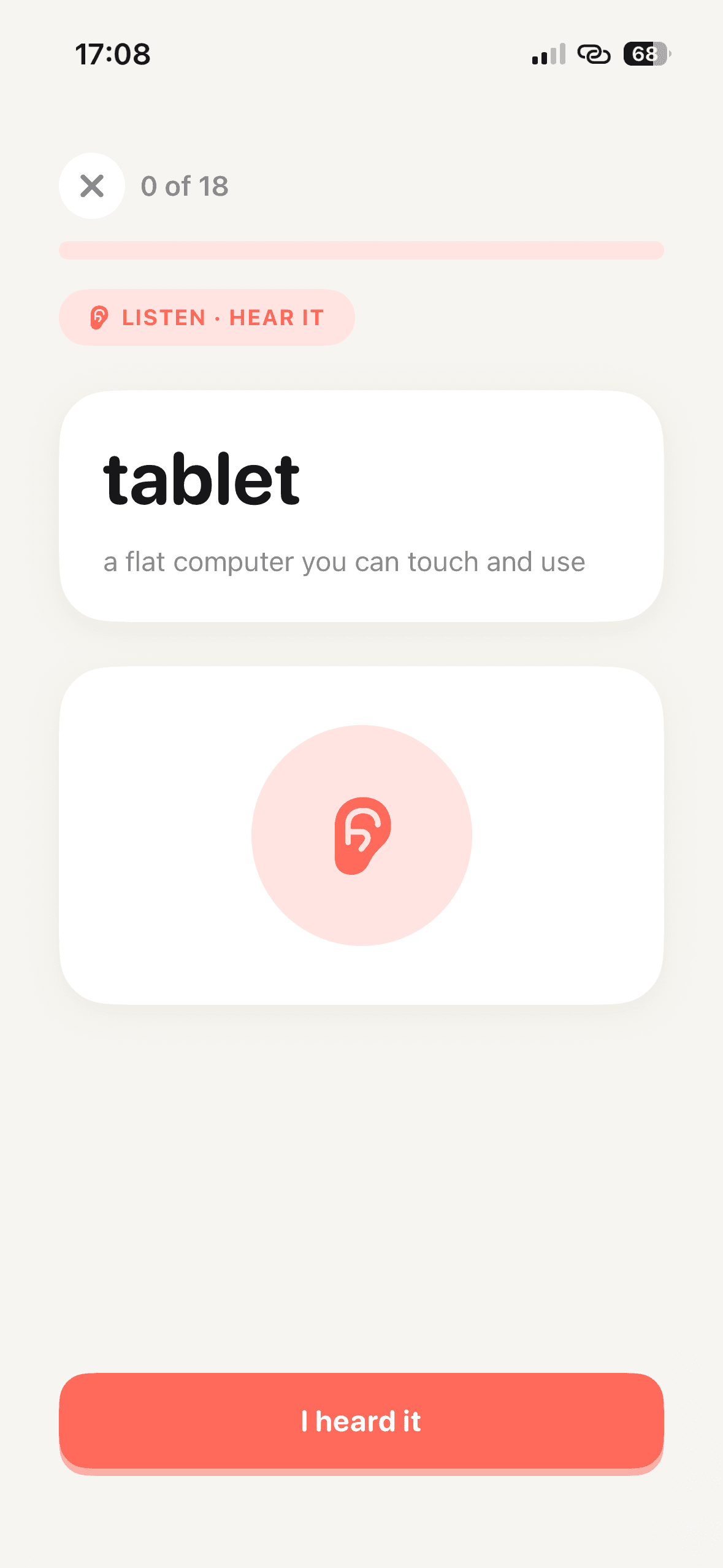
Listen · Hear it
Warm up by just hearing the word with a simple definition.
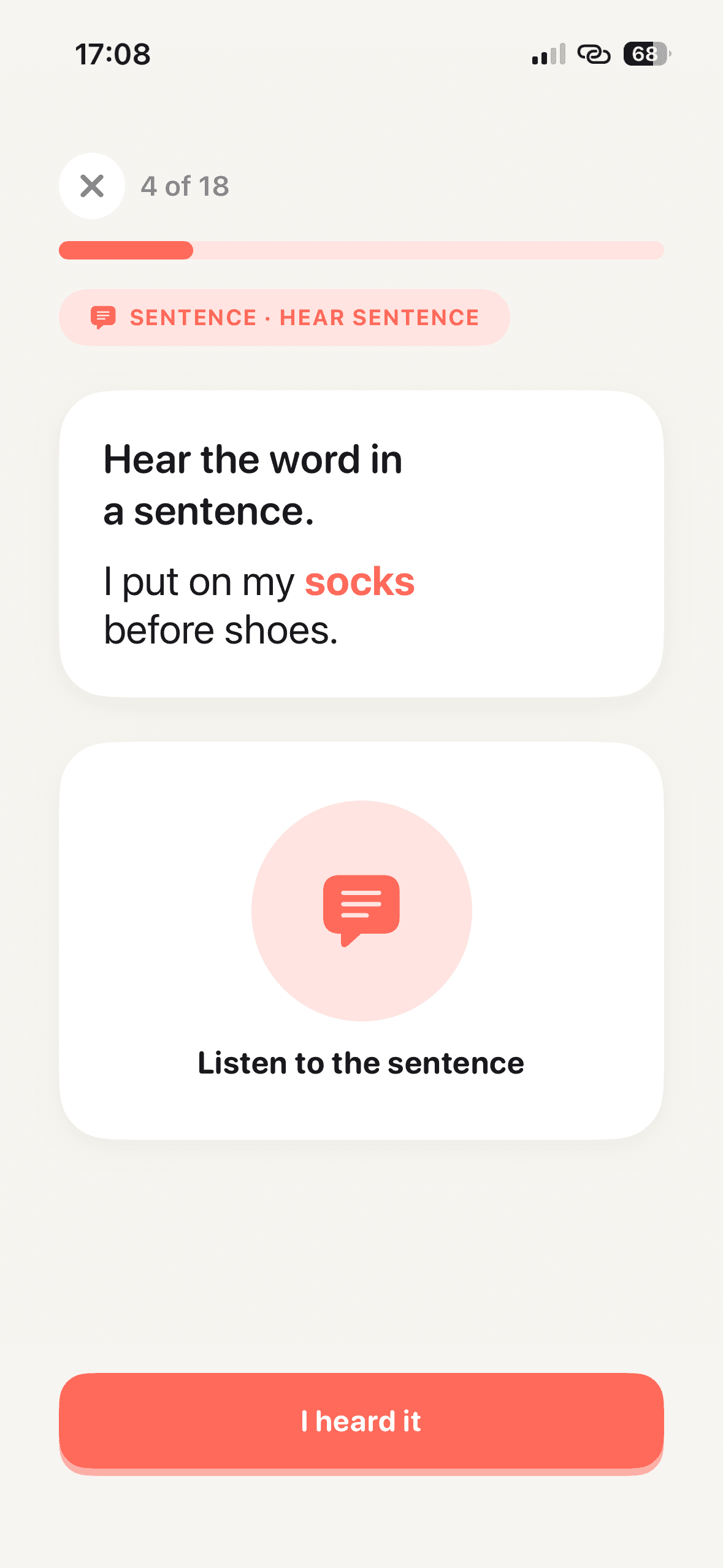
Sentence · Context
Hear the word used in a kid-friendly sentence for meaning.
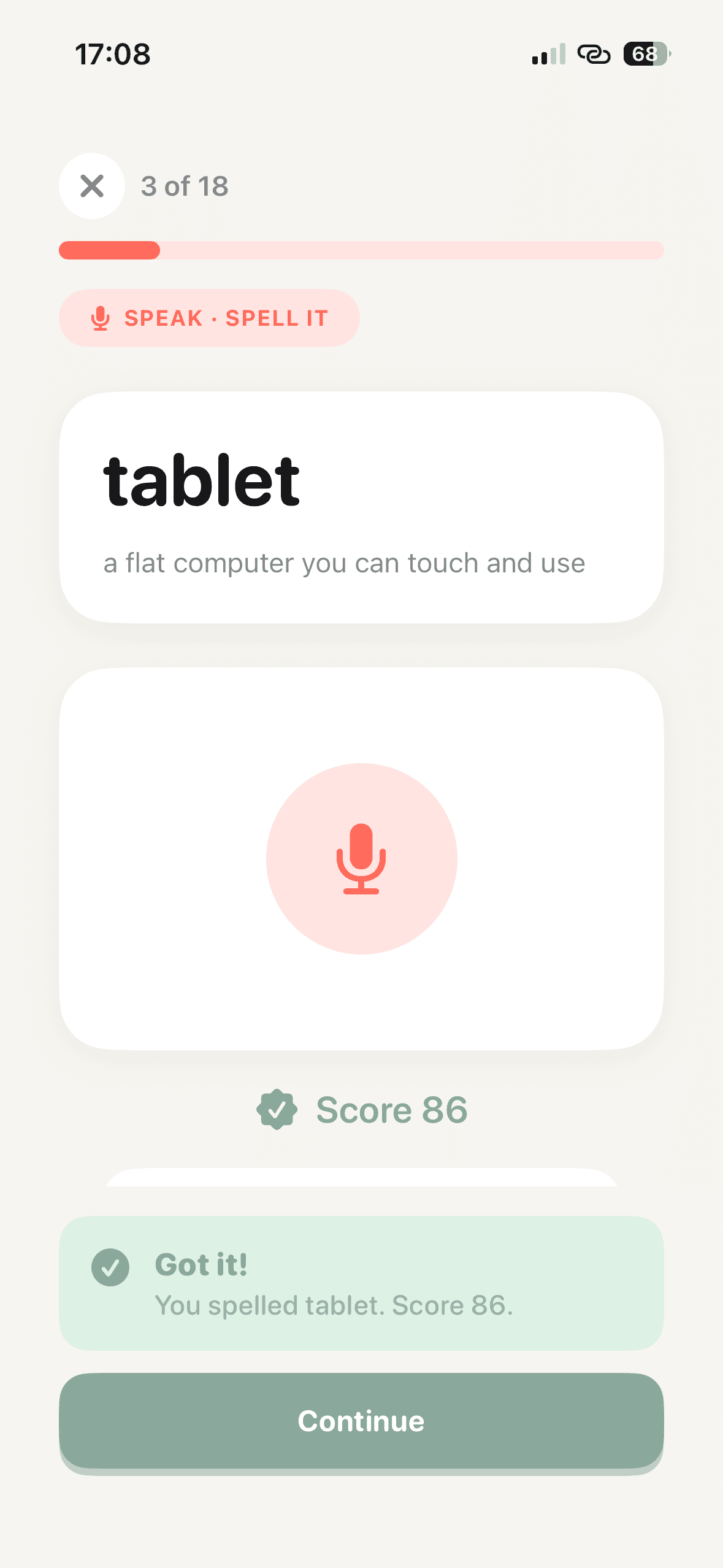
Speak · Spell it
Kid says or types the word. Friendly score, never a red X.
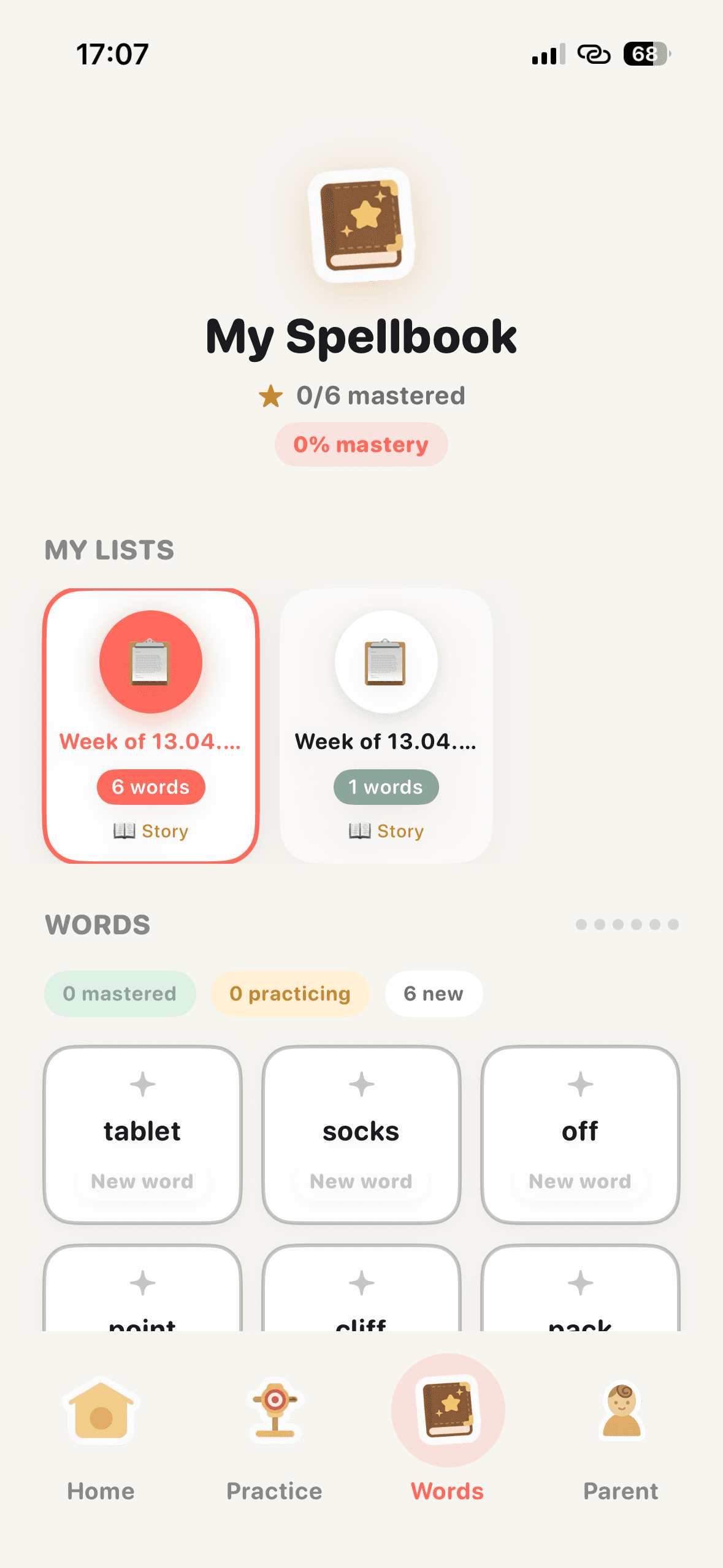
Spellbook
Every word tracked as new, practicing, or mastered.
The weekly ritual
Open Easyspell, tap the camera, capture the weekly list. OCR pulls the words in seconds.
Kid plays through listen, sentence, and spell levels. Mastery sharpens around shaky words.
Easyspell gives extra reps to the words that are still wobbly before the test.
A calm summary lands for parents — readiness at a glance, shareable in a tap.
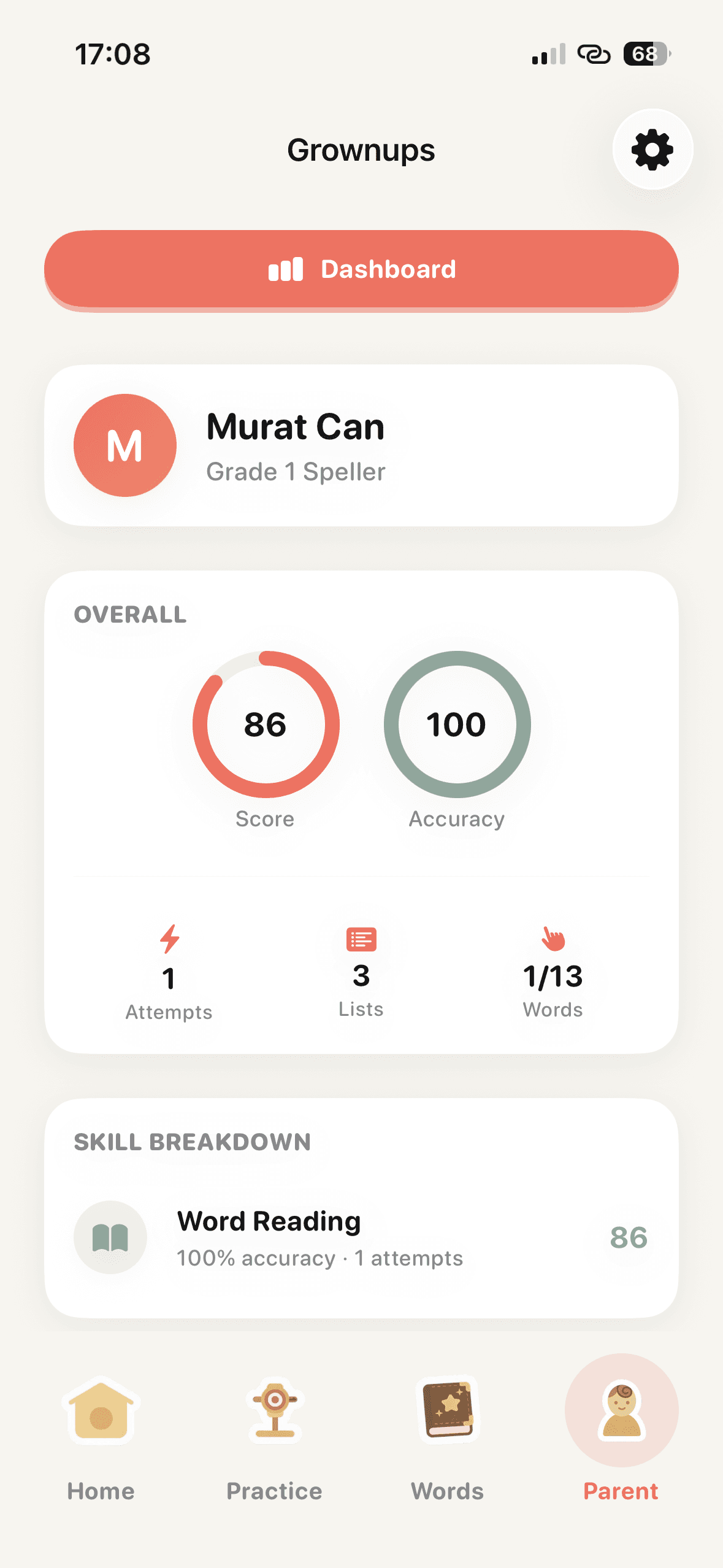
For the grown-up in the room
No dashboards that require a manual. One screen, calm color, four numbers and a skill breakdown. Screenshot it, send it to your partner — done.
Based on accuracy, recall, and confidence.
Across this week's attempts.
Short, daily sessions add up.
Mastered / total across active lists.
Friday report. Every Friday morning you get a plain-English readiness summary, ready to share.
FAQ
Designed for US elementary school kids (grades 1–5) and the parents who sit with them for weekly spelling practice. Parents set up the list, kids do the practicing.
No. Easyspell creates a private, pseudonymous installation identity so you can start without a sign-in form. Your lists and progress can sync to the service without a public child account.
Easyspell is free to download and includes up to three scanned word lists plus the first map exercise for free. Easyspell Pro unlocks unlimited scanning and the full practice path through an auto-renewing subscription. Current plans and localized prices are shown before purchase in the App Store or Google Play.
We collect only what is needed to personalize practice and sync progress. Raw spelling-list photos and pronunciation recordings are deleted from temporary upload storage after processing, and we do not use child content for advertising. Read the Privacy Policy for details.
Yes. Subscriptions can be canceled in your Apple ID or Google Play subscription settings and remain active until the end of the current billing period.
List import and content generation need a connection. Once a list is ready, daily practice works with a brief sync at the start and end.
For the grown-up
Use your child's school spelling list for a short home routine: hear the word, notice its spelling, try from memory, then check together.
9 min read · Easyspell team
Turn Monday's school spelling list into a manageable week. Use this parent plan for short practice, useful corrections and a calm final review.
9 min read · Easyspell team
Try six simple spelling games using your child's actual school words. Find clear instructions, worked examples and ways to adjust the challenge.
10 min read · Easyspell team
Help a first grader practice the school spelling list with sounds, letter cards and short writing rounds. See examples and useful parent prompts.
9 min read · Easyspell team
Want to see how the app uses your own list? Explore weekly spelling practice.

Start with this week's list. You'll know by Wednesday whether Easyspell earns its place on your home screen.