
Home practice
How to Practice Spelling Words at Home
Use your child's school spelling list for a short home routine: hear the word, notice its spelling, try from memory, then check together.
9 min read · Easyspell team · Free printable
Their words. A small daily routine.
Keep the list from school. Use Easyspell to prepare audio-based practice, then make a little room for it in your family’s week.
The website plan is free. App subscription options and current prices are shown in the store before purchase.
A parent photographs the spelling list in the app.
Compare the extracted words with the teacher’s original.
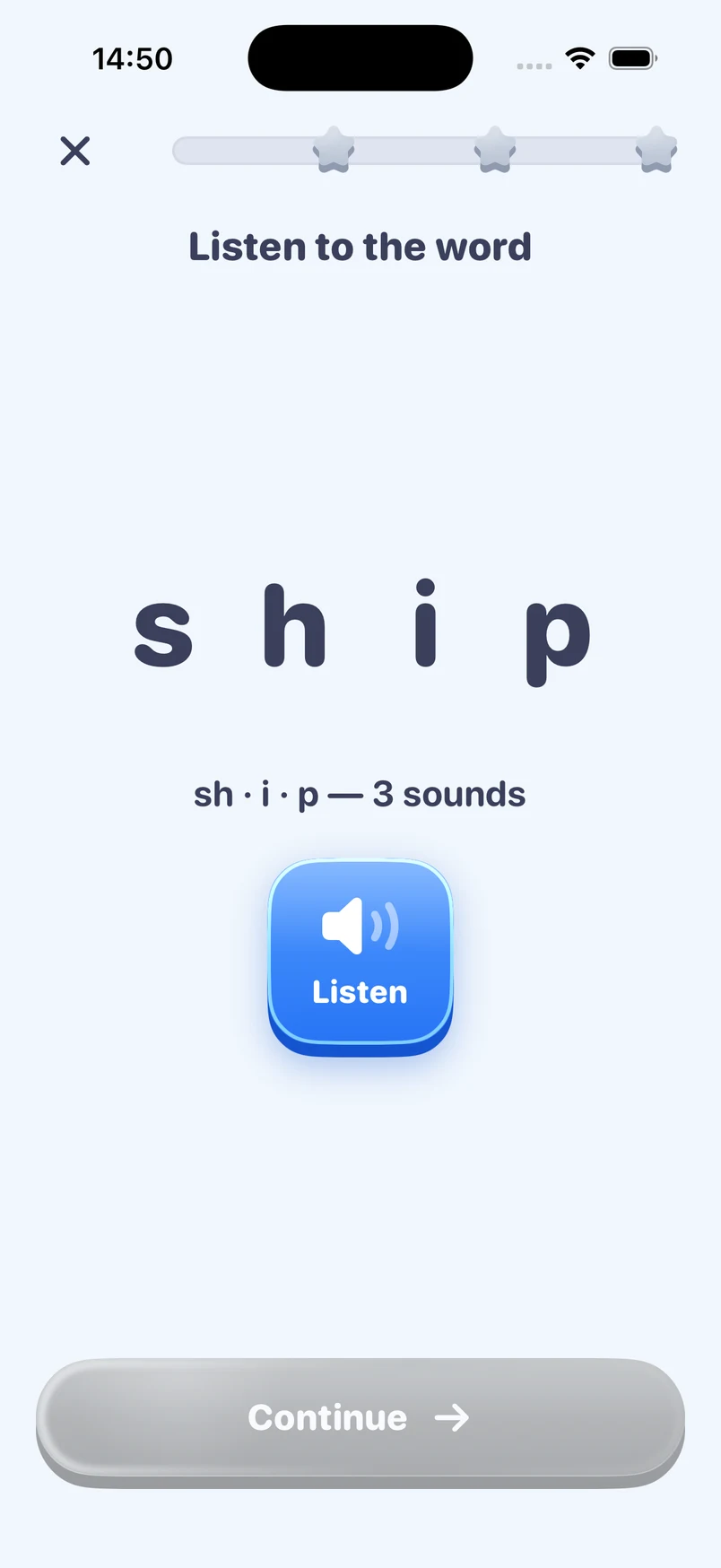
Hear the prepared words and work through a short spelling round.
The school list is the starting point. Easyspell is designed for US elementary families who want to turn those assigned words into a manageable home routine. A parent sets up the list; the child practices with listening and spelling activities. You can keep the teacher's instructions alongside the app and choose which part of the routine works best on paper.
Before importing anything, check the test date and whether the class is studying a shared sound, spelling pattern or set of vocabulary. If the teacher has provided a particular practice method, follow that guidance. The app can help organize practice with your own words, but it does not determine the school's teaching sequence or replace an individual support plan.
Use a clear photo of the spelling list with the words easy to read. After import, compare the extracted words with the original before practice begins. Headings, numbering, handwriting and columns can make a photo harder to interpret. Check the spelling of each imported word instead of assuming that a successful scan means every item is correct.
If a teacher sends a digital image, use the available import flow and keep the original message nearby for comparison. The website's free plan builder does not upload or scan the list: list import happens in the app. The website asks only a few parent choices to suggest a routine, so you can try planning the week before deciding whether to download anything.
Easyspell provides audio-based practice around the prepared words. Your child can hear a word and its context, then work on spelling it. Stay nearby during the first session so you can check that the word and activity are understood. A replay can clarify what was said; an explanation from a parent may still be needed for an unfamiliar spelling or meaning.
Treat a few minutes as a possible family routine, not a required learning dose. You might agree to a short round after a snack and stop at the planned finish. If the child needs a closer look at a spelling, pause and use the teacher's model or a written example. The purpose is a practical opportunity to learn, not accumulating screen time to meet a target.
Easyspell's progress views can help a parent see what happened during app practice. Use those observations to decide which words deserve another supported look. A score or a word status describes the app's activity; it is not a prediction of a classroom result and does not establish that a child will produce the spelling independently in every situation.
For a separate check, put the model away, say a word and let your child attempt it on paper. Then compare with the correct spelling and discuss the specific part that needs attention. You can distinguish a word completed independently from one completed after a hint. If practice remains difficult, share a concrete example with the teacher rather than relying on a score alone.
An app does not have to handle every part of the week. You might import the list on Monday, use an audio round on Tuesday, build a few words with letter cards on Wednesday and review uncertain spellings on Thursday. This is an illustrative schedule, not an automated promise about what will happen on each day. Move or shorten the activities to match the actual school calendar.
Our parent guides include paper games and worked examples that use a child's own list. These are home activity ideas, not additional game modes advertised inside Easyspell. A child who prefers a straightforward writing round can use one. A parent who wants help planning can use the free website tool without committing to the app or a subscription.
Easyspell is available through the App Store and Google Play. It is free to download, with a limited free allowance and optional Easyspell Pro subscription access. Check the current features, localized prices and renewal terms shown in the store before purchasing. We do not quote a universal price here because the store presents the applicable offer for your device and region.
The website plan needs no account or email address and does not request your child's name or actual spelling words. The app uses its own setup and service connection for list preparation and progress. Read the linked privacy information for how app data is handled, and contact support if you need help with an import or subscription question.
For the grown-up
Use your child's school spelling list for a short home routine: hear the word, notice its spelling, try from memory, then check together.
9 min read · Easyspell team · Free printable
Turn Monday's school spelling list into a manageable week. Use this parent plan for short practice, useful corrections and a calm final review.
9 min read · Easyspell team · Free printable
Try six simple spelling games using your child's actual school words. Find clear instructions, worked examples and ways to adjust the challenge.
11 min read · Easyspell team
Help a first grader practice the school spelling list with sounds, letter cards and short writing rounds. See examples and useful parent prompts.
9 min read · Easyspell team
Practice spelling CVC words with short-vowel lists, sound-by-sound examples and a simple check. A parent guide to cat, bed, pin, hot and sun.
8 min read · Easyspell team
Use short and long vowel pairs for silent e spelling practice. Includes cap–cape, kit–kite, worked corrections and exceptions to check.
8 min read · Easyspell team
Compare blends and digraphs with stop, shop, slip and chip. Use sound counters, worked corrections and short spelling checks at home.
8 min read · Easyspell team
Use spelling dictation sentences at home with sample prompts, answer checks and ways to separate spelling from handwriting and punctuation.
9 min read · Easyspell team · Free printable
Practice spelling high-frequency words by noticing regular sound-letter links and unexpected parts. Includes said, was and they with parent examples.
9 min read · Easyspell team
Practice homophone spelling with pair–pear, hear–here and their–there–they’re. Includes original sentence exercises, explanations and an answer key.
8 min read · Easyspell team
Want to see how the app uses your own list? Explore weekly spelling practice.